
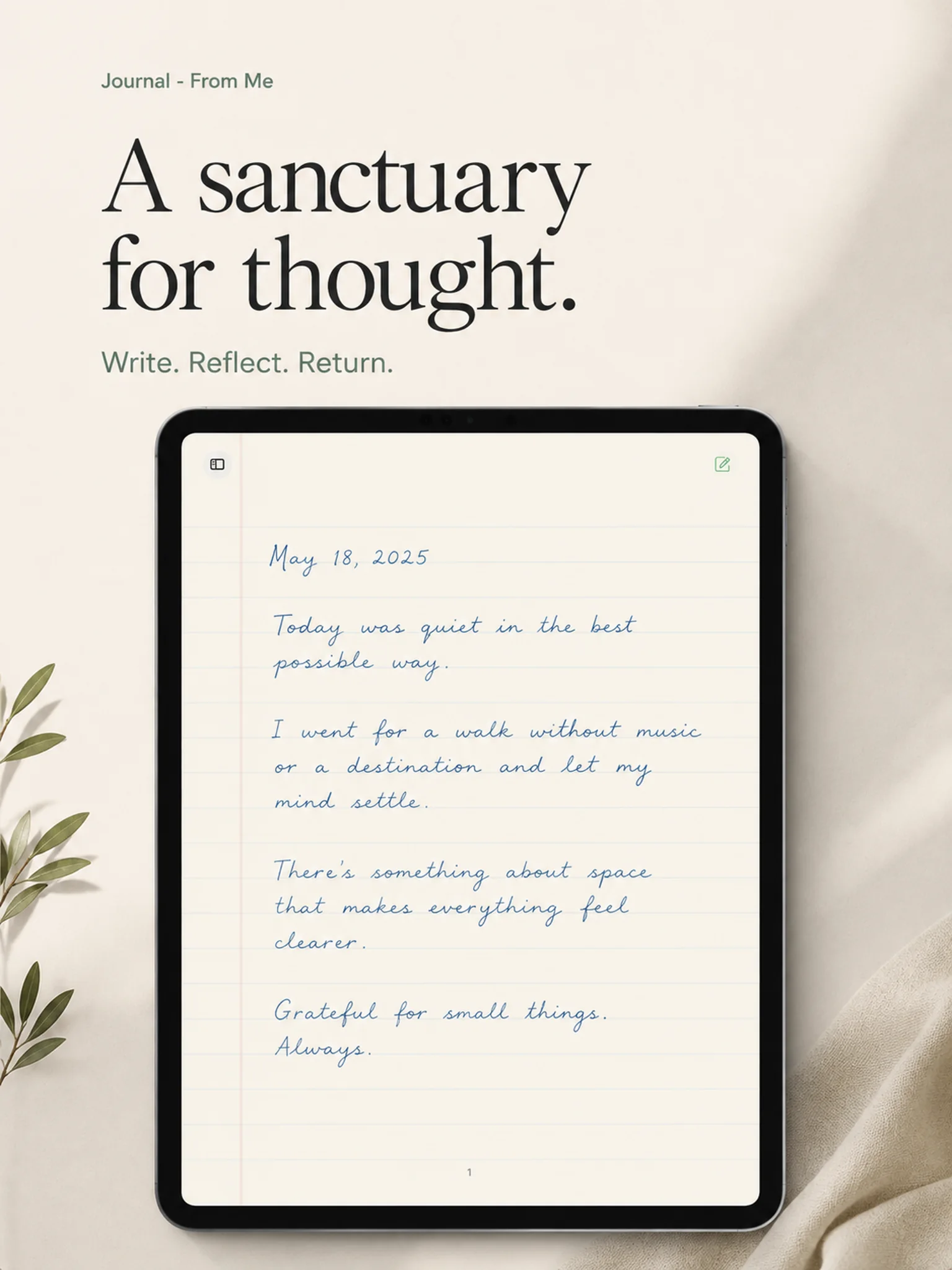
Journal - From Me is designed around a simple loop: open a page, choose how to begin, write in the way that fits the moment, and return without turning your private life into an organization project.
1. Open the kind of page you need
Begin with a free journal page, a flexible notepad page, one of five daily guided prompts, or one of seven Yesterday Through You reflections based on the previous day’s stories.
2. Handwrite, type, or use voice
Use Apple Pencil on iPad when handwriting helps you think. Type on iPhone or iPad when speed matters. Use optional voice transcription when speaking is the easiest route to the first sentence.
3. Let the page find its own shape
A guided prompt can become a long reflection. A note can become a journal entry. A daily page can be one sentence or several pages. The app does not force every kind of writing into the same template.
4. Return to what you wrote
Browse previous pages and guided archives. Keep daily writing, notes, and current-events reflections available without a public profile or social layer.
5. Make the surface familiar
Choose page, line, and ink colors. The visual customization is there to support comfort and personal rhythm, not add a dashboard between you and the page.