
A digital notepad should make it easier to keep a thought—not ask you to organize a new system before you can write it down. Journal - From Me includes flexible pages for ideas, lists, plans, observations, and longer notes that do not need to become dated journal entries.
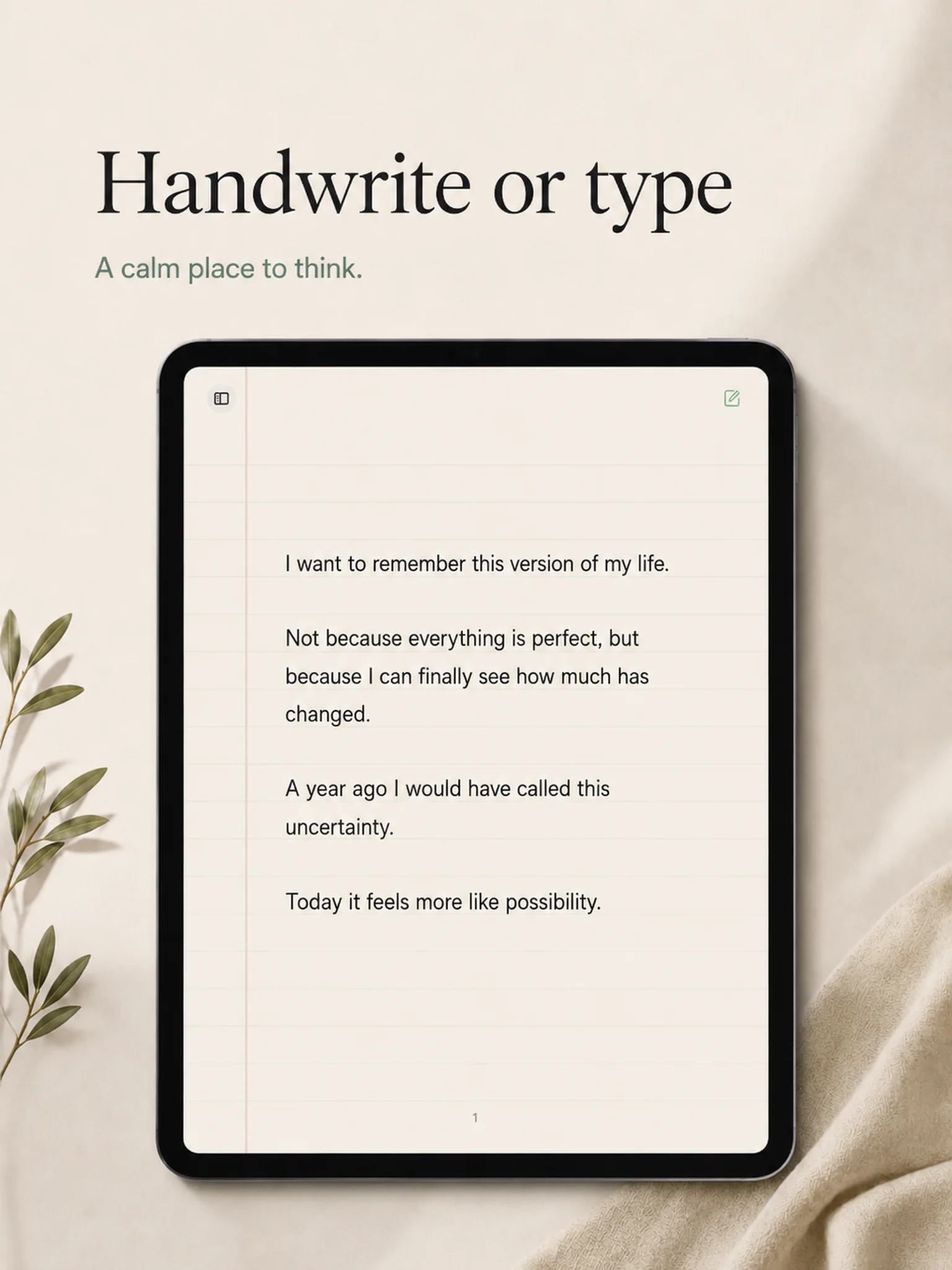
Handwrite on iPad with Apple Pencil or type on iPhone and iPad. The page remains simple, readable, and personal whether you are recording a memory or making a grocery list.
A journal and notepad in one calm place
Daily reflection and practical notes often live beside each other. A conversation you want to remember may become a journal page. A task list may begin underneath it. An idea may need several pages before you know what it is.
Journal - From Me lets you keep those different kinds of writing together without forcing them into one entry per day.
What can you keep in the notepad?
- Ideas you want to revisit
- Lists, errands, and practical reminders
- Meeting notes and project thoughts
- Books, films, music, and recommendations
- Travel notes and packing lists
- Questions you are still thinking through
- Longer writing that continues across several days
- Anything too small for a system but too important to lose
Handwritten notes or typed notes
Use Apple Pencil when shape, space, arrows, underlining, or the physical rhythm of handwriting matters. Type when you need speed or when you are capturing a thought on iPhone. The notepad does not treat one method as more legitimate than the other.
A simple notes app without the productivity theater
There are no public templates, engagement feeds, team dashboards, or gamified completion scores. The notepad is for keeping and returning to your own words.
That simplicity makes it useful alongside a journaling practice: one place for what happened, what you are planning, what you need to remember, and what you have not finished thinking about.
Make the writing surface your own
Choose page, line, and ink colors to create a notepad that feels familiar. Use a light paper-like page, build a dark writing surface, or change ink colors for emphasis and visual organization.
A notepad for iPhone and iPad
Use iPhone for quick typed capture and iPad for a larger page, Apple Pencil handwriting, or longer notes. Journal - From Me is focused on the Apple devices you already use.